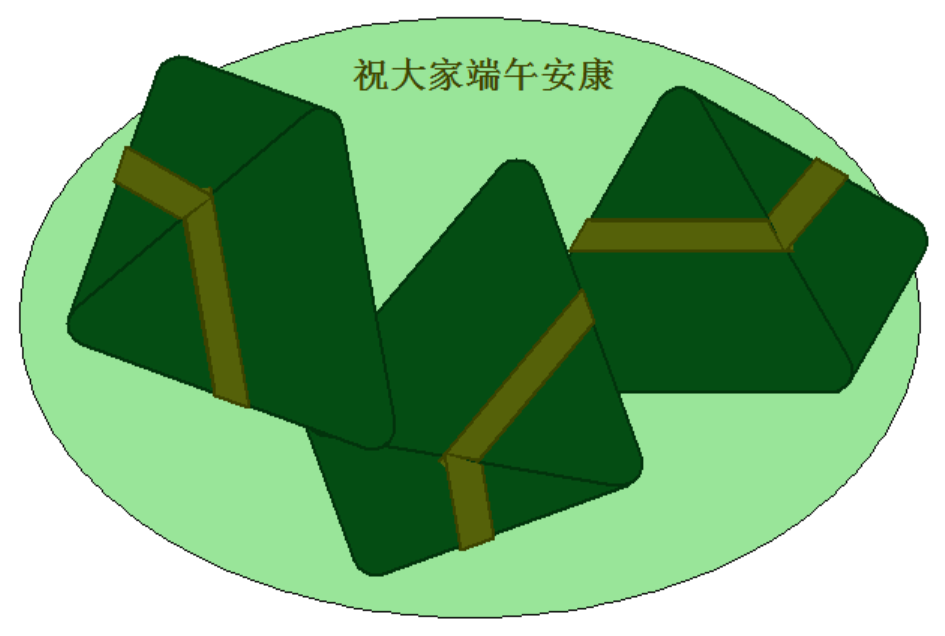
今天是端午节了,用 Python 画一盘粽子送给大家,用到的 Python 库还是大家比较熟悉的 turtle,在这里祝大家端午安康。
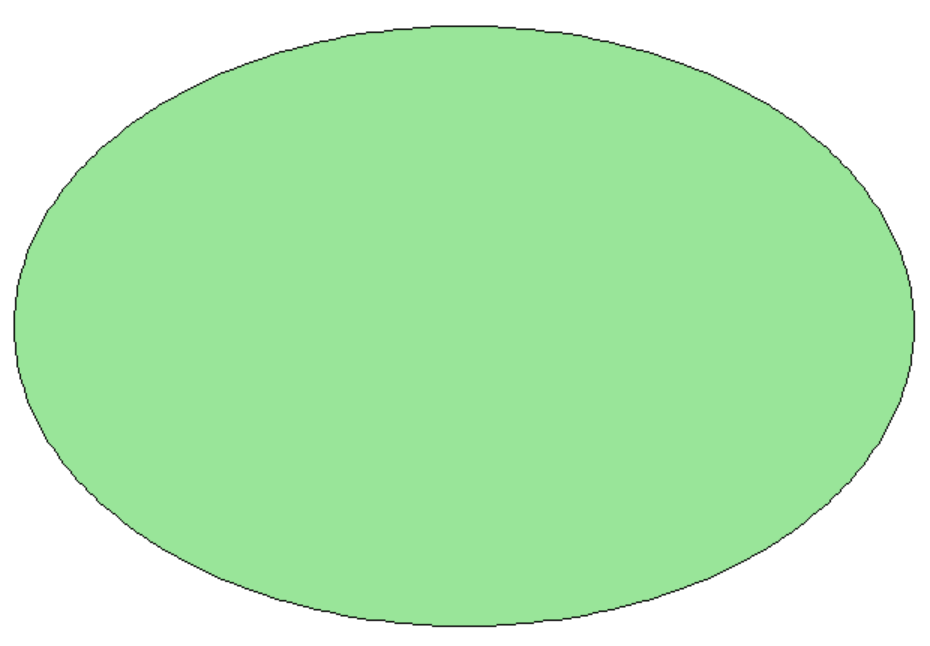
首先,我们来画一个盘子,代码实现如下:
minAngle = (2 * math.pi / 360) * angle / steps
rotateAngle = rotateAngle / 360 * 2 * math.pi
penup() # 起笔
setpos(b *
math.sin(rotateAngle), -b * math.cos(rotateAngle))
pendown() # 落笔
for i in range(steps):
nextPoint = [a * math.sin((i + 1) * minAngle), -b * math.cos((i + 1) * minAngle)]
nextPoint = [nextPoint[0] * math.cos(rotateAngle) - nextPoint[1] * math.sin(rotateAngle),
nextPoint[0] * math.sin(rotateAngle) + nextPoint[1] * math.cos(rotateAngle)]
setpos(nextPoint)
看一下效果:
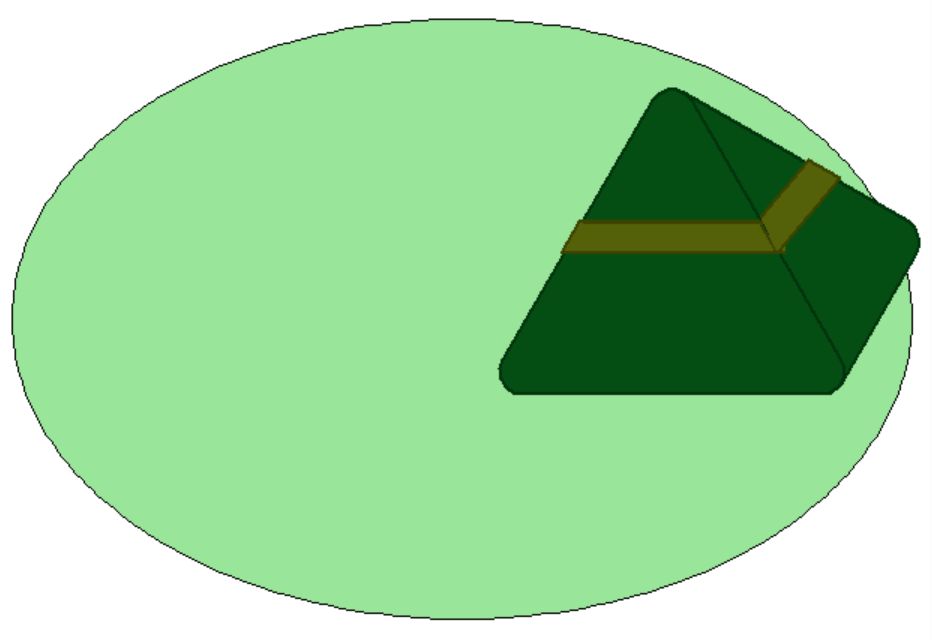
接着,我们再来画粽子,代码实现如下:
pensize(2) # 画笔宽度
pencolor(2, 51, 12) # 画笔颜色
fillcolor(4, 77, 19) # 填充色
begin_fill()
fd(200) # 向前
circle(15, 120) #画圆弧
fd(200)
circle(15, 120)
fd(200)
circle(15, 120)
fd(200)
circle(15, 60)
fd(100)
circle(15, 90)
fd(173)
circle(1, 90)
end_fill()
penup()
fd(100)
right(60)
back(105)
a = pos()
pendown()
color(60, 67, 0)
fillcolor(85, 97, 9)
begin_fill()
fd(120)
goto(a)
penup()
back(15)
left(90)
fd(20)
right(90)
pendown()
fd(150)
right(120)
fd(24)
right(60)
fd(120)
right(60)
fd(24)
end_fill()
begin_fill()
left(110)
fd(65)
left(100)
fd(24)
left(80)
fd(50)
end_fill()
看一下效果:
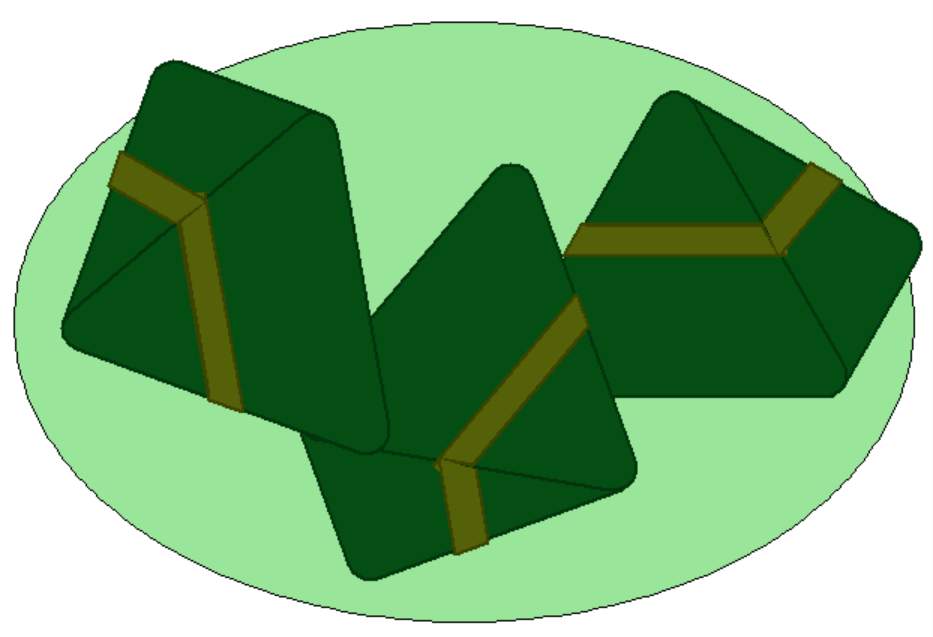
一个盘子放一个粽子感觉太少了,这样我们再加两个,看一下效果:
最后,我们再添加一下文字,代码实现如下:
write("祝大家端午安康", move=False, align="center", font=("Comic Sans", 18, "bold"))
看一下最终效果: